
Track Any Carnival Cruise Ship Live (Free)
Track any Carnival cruise ship live with CruiseKick's free web tracker. A step-by-step guide to every ship in Carnival's fleet, no app download needed.
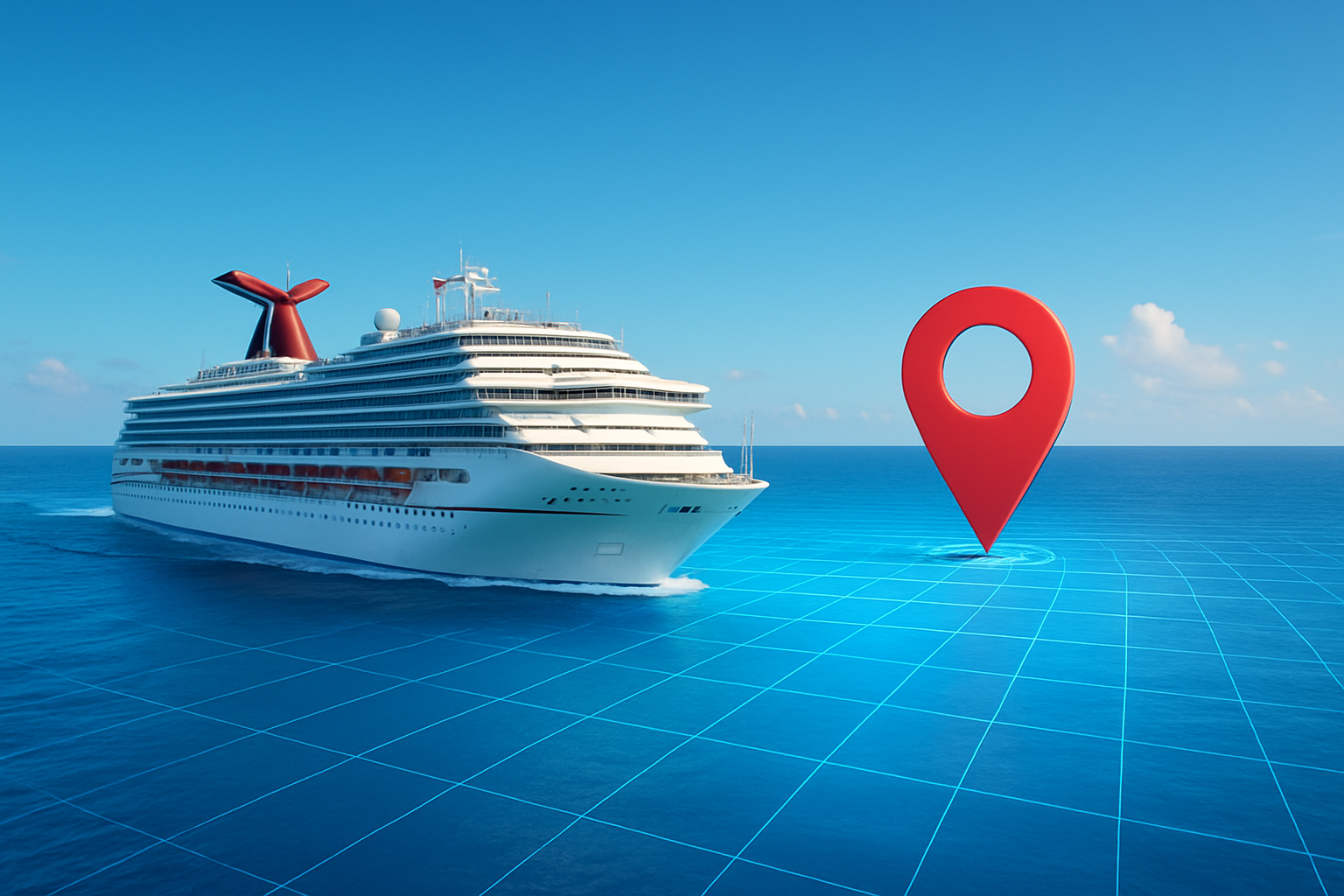
Your ship is out there right now, cutting through the Gulf of Mexico or threading the narrow channels of the Caribbean — and you can watch it move in real time from your phone or laptop. No app download, no subscription, no maritime expertise required.
Whether you’re waving goodbye from the port and want to watch your family sail away, counting down the hours until your own departure, or checking whether your ship is running on schedule before you head to the pier, a Carnival cruise tracker puts that information right in front of you.
This guide walks you through exactly how to track any ship in Carnival Cruise Line’s fleet — step by step — using CruiseKick’s free cruise ship tracker.
Why People Track Carnival Ships
Before we get into the how, it’s worth understanding the why — because the use cases are more varied than you might expect.
Watching a loved one’s voyage. You dropped your parents off at Port Canaveral, watched Carnival Celebration disappear over the horizon, and now you’re back home wondering where they are. A live cruise ship tracker lets you follow their exact position day by day. You can see them arrive in Nassau, watch the ship depart, and know when they’re making the crossing back to Florida.
Pre-cruise excitement. If you’re sailing in three days, there’s something genuinely thrilling about finding your ship on the map and watching it complete the sailing before yours. You can see it in Cozumel right now — and in 72 hours, you’ll be standing on that deck.
Port day timing. Cruise schedules can shift. If your ship is departing Nassau at 5:30 p.m. and you’re spending the afternoon ashore, a quick check of the ship’s live position can tell you whether it’s still docked or if there’s any unusual activity. This is the kind of real-time awareness that makes the difference between a relaxed port day and a panicked sprint back to the gangway.
Schedule verification. Weather delays, mechanical diversions, and itinerary changes happen on every cruise line including Carnival. Tracking the ship’s actual position against its scheduled itinerary gives you ground truth that the cruise line’s app often lags behind.
CruiseKick’s Free Carnival Cruise Tracker
Our Cruise Ship Tracker pulls live AIS (Automatic Identification System) data for every ship in Carnival’s fleet. AIS is a maritime radio standard that every commercial passenger vessel is legally required to broadcast — it transmits the ship’s GPS coordinates, speed, heading, and navigation status continuously.
CruiseKick aggregates that data, plots it on an interactive map, and makes it available to anyone with a web browser. There’s no account to create, no app to download, and no paywall. You load the page and the ship is there on the map, moving in real time.
The tracker works on any device — desktop, tablet, or mobile. If you’re standing at the cruise terminal watching your ship depart, you can track it on your phone right then.
Step-by-Step: How to Track a Specific Carnival Ship
Step 1: Go to the Carnival Tracker Page
Navigate to the Carnival Cruise Line tracker on CruiseKick. This page lists every ship currently in Carnival’s active fleet with their live status — position, speed, current port (if docked), and next destination.
You can also start from the main Cruise Ship Tracker hub and filter by cruise line to reach the same place.
Step 2: Find Your Ship
Carnival operates more than 20 ships, so the fleet list is substantial. Ships are listed alphabetically and include all vessels from the classic fleet like Carnival Sunshine and Carnival Elation, through the mid-size ships like Carnival Breeze, Carnival Magic, and Carnival Vista, up to the flagship Excel-class ships: Carnival Mardi Gras, Carnival Celebration, and Carnival Jubilee.
Scan the list for your ship name, or use the search field if available. Each listing shows the ship’s current status at a glance — whether it’s at sea, docked in port, or in transit between destinations.
Step 3: Open the Ship’s Live Tracking Page
Click on any ship name to open its individual tracking page. Here you’ll see:
- Live map position — an interactive map with the ship plotted on it, updating automatically as new AIS data comes in
- Current speed — measured in knots (roughly multiply by 1.15 to get mph, though ship speeds are always quoted in knots)
- Heading — the compass direction the ship is traveling
- Current port or position — either a named port if docked, or latitude/longitude coordinates if at sea
- Destination — where the ship is heading next, as reported in its AIS broadcast
- Navigation status — underway, anchored, or moored
Step 4: Use the Map
The map is interactive — you can zoom in on the ship’s current position, zoom out to see the broader route context, and toggle different map layers. If you zoom out far enough, you can often see other ships in the region, which gives you a sense of the actual traffic in busy cruise corridors like the Florida Straits or the waters around Nassau.
Step 5: Check Back as Often as You Like
There’s no session limit or usage cap. Bookmark the ship’s page and check back whenever you want. Position data refreshes as new AIS transmissions are received — typically every few minutes for ships at sea via satellite AIS, and more frequently when the ship is near a coast with terrestrial AIS receivers.
Carnival’s Fleet: 20+ Ships Across Every Itinerary Type
Carnival Cruise Line operates one of the largest and most diverse fleets in the cruise industry. Tracking is available for every active vessel. Here’s a breakdown of what you’re working with:
Excel Class (Newest and Largest)
- Carnival Mardi Gras (180,000+ gross tons, homeport: Port Canaveral)
- Carnival Celebration (sister ship to Mardi Gras, homeport: Miami)
- Carnival Jubilee (homeport: Galveston)
Vista Class
- Carnival Vista, Carnival Horizon, Carnival Panorama, Carnival Radiance
Dream Class
- Carnival Dream, Carnival Magic, Carnival Breeze
Sunshine Class
- Carnival Sunshine, Carnival Splendor
Spirit Class
Fantasy Class (Classic Fleet)
- Carnival Elation, Carnival Paradise, Carnival Freedom, Carnival Liberty, Carnival Conquest, Carnival Valor, Carnival Glory, Carnival Fascination
Each of these ships is trackable on CruiseKick. Regardless of whether your ship is a 20-year-old Spirit-class vessel or the newest Excel-class giant, the tracking data is available.
What the Tracking Data Actually Tells You
Understanding what you’re looking at makes the tracker far more useful. Here’s a breakdown of the key data fields and what they mean in practice.
Speed
Carnival ships typically cruise at 18–22 knots when underway (roughly 21–25 mph). If you see a ship showing 0–1 knots, it’s either anchored offshore (common in ports where large ships can’t dock, like Grand Cayman) or docked at a pier. A speed of 3–8 knots often indicates a ship is maneuvering into or out of a port under its own power or with tug assistance.
Heading
Heading is the compass direction the ship’s bow is pointed, expressed in degrees (0/360 = north, 90 = east, 180 = south, 270 = west). This is useful for figuring out which side of the ship is facing which direction at any given moment — which leads into one of the most practical use cases below.
Destination
The destination field in AIS data is entered manually by the ship’s crew, so it reflects the next scheduled port of call. This is generally accurate but not guaranteed — if there’s a weather diversion or itinerary change, you might see this update before the cruise line makes an official announcement.
Navigation Status
“Underway using engine” means the ship is moving. “Moored” means it’s tied to a dock. “At anchor” means it’s anchored offshore. This field tells you instantly whether your ship is in port or at sea.
Practical Use Cases: Getting Real Value from the Tracker
Choosing Which Cabin Side to Book for Sail-Away Views
This is one of the most underrated uses of ship tracking. If you know your ship’s exact departure heading from a specific port, you can figure out which side of the ship will face the scenery during sail-away.
For example: Carnival ships departing Miami sail southeast through Government Cut. If the ship turns south-southeast, the port side (left side of the ship facing forward) will face the Miami skyline as you pull away. Check the tracker on a previous sailing to see the typical heading out of a given port, and book accordingly.
The same logic applies for scenic passages. Ships entering the port of Juneau, Alaska, approach from the south — meaning the starboard side typically faces the Gastineau Channel and Mount Juneau. Track a previous sailing to confirm.
Verifying Whether Your Ship Is On Schedule
Cruise lines don’t always communicate delays quickly. The AIS data doesn’t lie. If your ship is supposed to depart Nassau at 5:00 p.m. and it’s 4:45 p.m. and the tracker shows it’s still docked and stationary, you have a few extra minutes. If it’s already showing 12 knots and a heading away from Nassau, you know the departure went early.
This is especially useful the day before you board. Checking your ship’s position and verifying it’s where it’s supposed to be — completing its previous sailing on time — gives you real confidence that embarkation day will go smoothly.
Watching Family Members Sail
This might be the single most emotionally satisfying use of a cruise ship tracker. If your parents, your kids, or your friends are on a Carnival ship, you can follow their entire voyage from home. Watch them leave Miami, spot them arriving in Cozumel, see the ship anchor offshore at Grand Cayman, and watch the return crossing. It turns a week of wondering into a week of being part of the journey, even from thousands of miles away.
Set up the ship’s page as a bookmark on your phone. Check in each morning. It takes 30 seconds and genuinely changes the experience of being the one who stayed home.
Timing a Port Arrival
If you’re meeting someone at a cruise terminal — picking up family returning from a sailing, for instance — tracking the ship’s position in the hours before arrival is far more reliable than calling the port authority. You can see exactly how far out the ship is, estimate its arrival time based on its speed and distance, and time your drive to the terminal accordingly.
No App Download Required
This bears emphasizing because it runs counter to what most tracking tools ask of you. CruiseKick’s cruise ship tracker is entirely web-based. You don’t need to download an app from the App Store or Google Play. You don’t need to create an account. You don’t need to enter a credit card.
Open a browser on any device — phone, tablet, laptop, desktop — and the tracker is fully functional. This matters when you’re at a port, on a spotty cellular connection, or trying to show a friend or family member the ship’s position without walking them through an app installation.
The web-based approach also means the tracker is always up to date. There’s no app version to worry about, no “please update your app” interruptions. The data you see when you load the page is the most current data available.
A Note on Tracking Accuracy and Limitations
The cruise ship tracker carnival data you see on CruiseKick is as accurate as the underlying AIS system allows, but there are a few things worth knowing.
Mid-ocean updates are less frequent. In open ocean far from coastlines, AIS data reaches our system via satellite. Satellite AIS provides updates every few minutes rather than every few seconds, so you may see the ship’s position jump slightly between updates rather than move smoothly. This is normal and expected.
The destination field is crew-entered. As noted above, the next port shown in the tracker is what the crew entered manually. It’s generally accurate but not a live itinerary feed. If you want to cross-reference against the official itinerary, use the Carnival website or app for that.
Speed is “speed over ground.” This is the ship’s actual speed relative to the earth’s surface, not its speed through the water. If there’s a strong current working against the ship, you might see a lower speed over ground than the engines are actually producing. In most cruise conditions this difference is small, but it’s worth knowing.
Position is typically within a few hundred meters. GPS accuracy in AIS systems is high — typically accurate to within 10 meters. Any apparent inaccuracy in the ship’s plotted position on the map is usually a display artifact rather than a true positioning error.
Track Any Carnival Ship Right Now
Carnival’s fleet covers every major cruise region from Alaska to the Caribbean, the Bahamas to the Mexican Riviera, Europe to Bermuda. Whatever ship you’re tracking, whatever port it’s heading toward, the data is available and free.
Head to our Cruise Ship Tracker to see the full fleet, or go directly to the Carnival Cruise Line tracker page to pull up a specific ship. No downloads, no registration, no waiting.
If you want a broader understanding of how ship tracking works — the underlying AIS technology, how satellite coverage fills in gaps over open ocean, and how to read the data you’re looking at — our guide on how to track a cruise ship covers all of that in detail.
Your ship is out there broadcasting its position right now. You just have to know where to look.
Related guides
Part of our Cruise Ship Tracking hub.